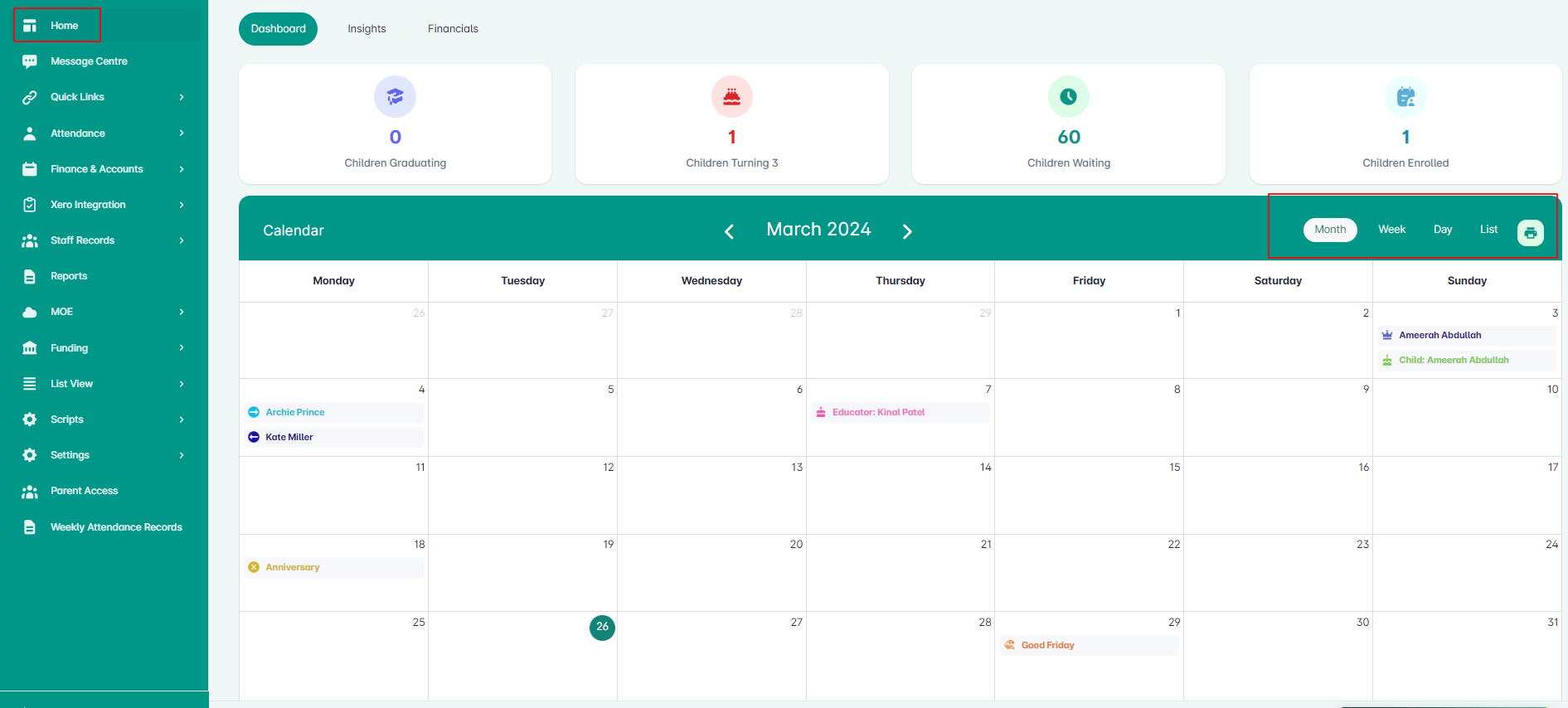
The Calendar Widget provides centre admins with an overview of important dates entered in the Juniorlogs system. Seen from a monthly view by default, the widget is synchronised with real time data, enabling users to prepare & take action for any important dates.
We have used playful key icons to mark the dates in the calendar.
The current day will display the number in colour, click the arrows on each side of the header to navigate through the months.
Adding events from the Calendar widget
Simply access the month and day of your event and click the day. A pop-up box will be displayed for you to enter the name of your event and the color you want.
Adding Closures from the Calendar widget
You can add or edit any temporary/ centre closure from the Calendar widget. Simply access the day and fill out the pop-up box with the closure details along with the color.
To edit any saved closures, simply access the day and click on the Closure to update the details on the pop-up box.


